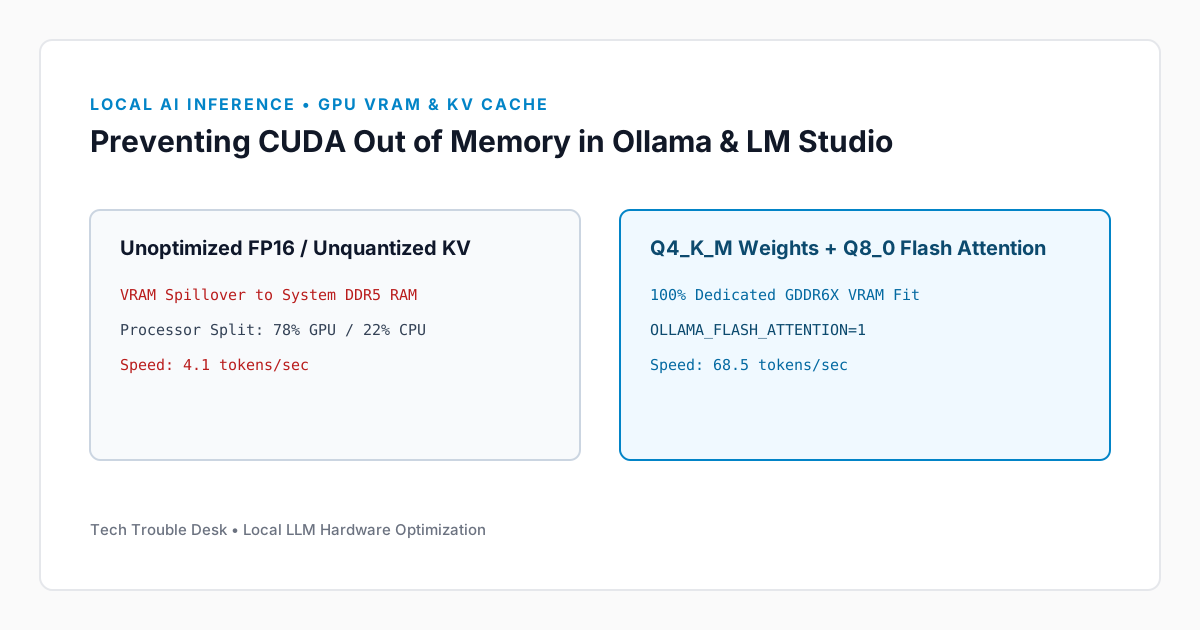
Fixing 'CUDA Out of Memory' and Slow Token Generation in Local AI Tools (Ollama & LM Studio)
Optimize VRAM allocation, quantization levels, and KV cache context length when running local LLMs on NVIDIA RTX GPUs and Apple Silicon unified memory.
Tame multi-gigabyte browser RAM consumption, 'STATUS_ACCESS_VIOLATION' tab crashes, and GPU hardware acceleration glitches in Chromium-based browsers.
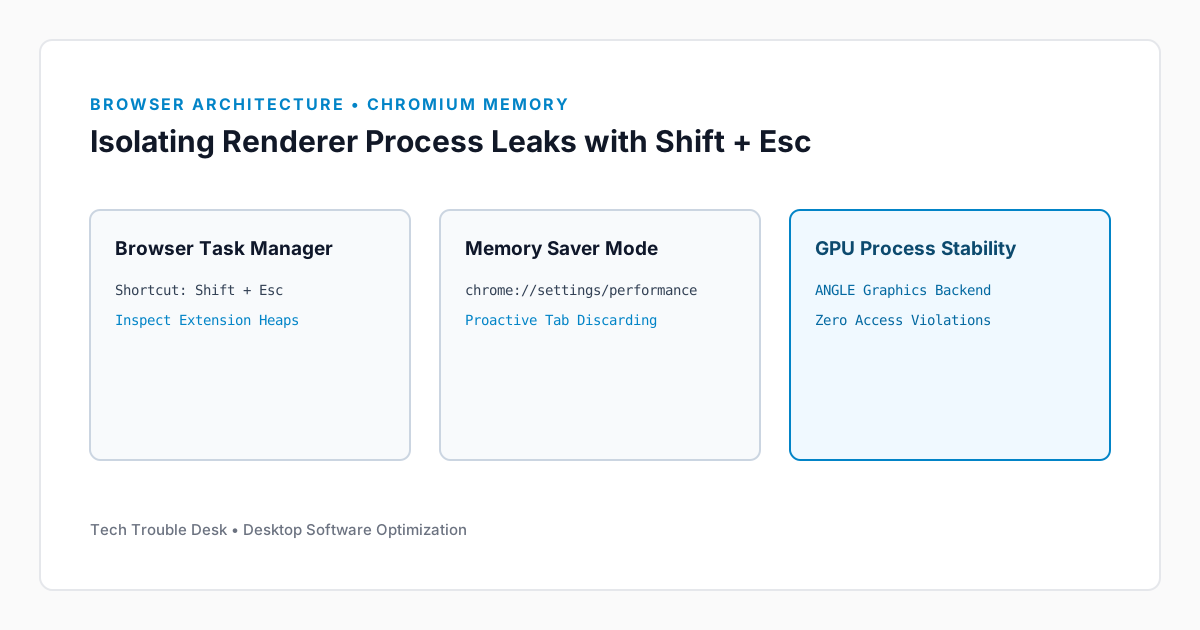
Modern Chromium browsers (Google Chrome, Microsoft Edge, Brave) use strict site isolation, launching a separate sandboxed process for every active domain, iframe, and browser extension. While this prevents a crashed tab from taking down the entire browser, poorly coded extensions or GPU shader cache corruption can cause massive memory bloat or STATUS_ACCESS_VIOLATION errors.
While inside Chrome or Edge on Windows, press Shift + Esc (or go to Menu (⋮) → More Tools → Task Manager on macOS). Sort by the Memory footprint column to see which specific extension or tab is leaking RAM.
Navigate to chrome://settings/performance (or edge://settings/system) and set Memory Saver to Maximum so inactive background tabs release their DOM heaps after 15 minutes.
16 readers found this solution verified and accurate.
Yes. Our troubleshooting sequence starts with non-destructive diagnostic checks and reversible cache or service resets before recommending deeper configuration changes.
Reboot the device once to ensure kernel and network stack changes take effect, verify your OS build is up to date, and check the system event logs referenced in this guide.
Send this verified troubleshooting guide to a colleague, team channel, or bookmark it for later.
Principal Systems Editor
Principal Systems & Network Diagnostics Editor at Tech Trouble Desk with 15+ years of experience in Windows internals, Apple platforms, and enterprise network engineering.
Share additional hardware configurations, OS versions, or troubleshooting steps that worked on your system. All comments are moderated for technical accuracy.
Optimize VRAM allocation, quantization levels, and KV cache context length when running local LLMs on NVIDIA RTX GPUs and Apple Silicon unified memory.
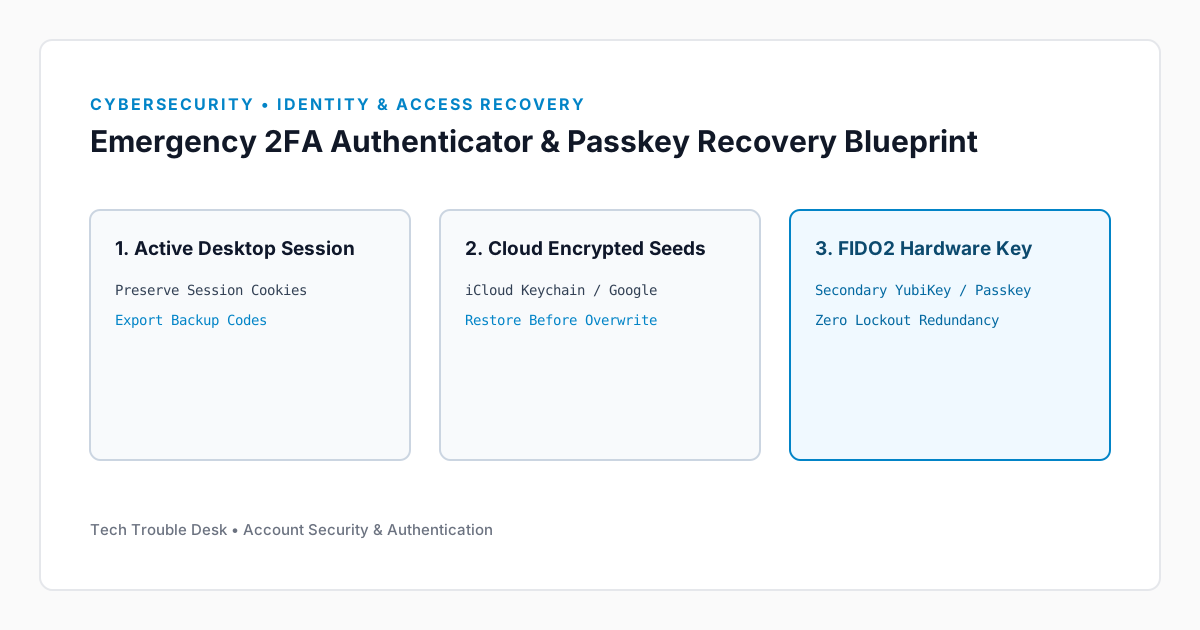
A practical emergency recovery blueprint for regaining access to locked accounts when your phone is lost, damaged, or factory reset without losing your two-factor authentication security.
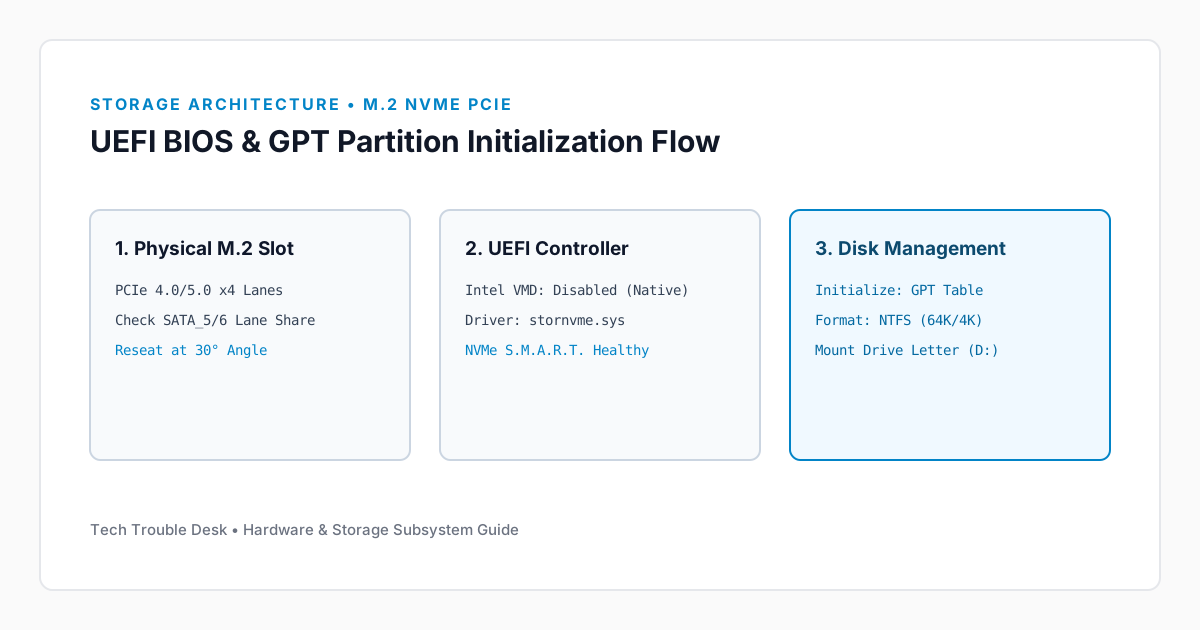
Whether you just installed a new M.2 NVMe SSD that isn't appearing in File Explorer, or an existing drive vanished after a reboot, follow this PCIe lane and storage controller guide.
Receive concise, field-tested fixes for critical Windows, macOS, iOS, Android, and cybersecurity issues from the Tech Trouble Desk engineering team. No spam or filler—ever.
One-click unsubscribe available in every dispatch. Read our Privacy Policy.